Covering part of a QR code on purpose sounds like a bad idea, and it works only because of error correction. Every QR code carries repair data. With a logo in place, this generator switches from level M to level H, the highest level, which can rebuild about 30% of the code. The logo area takes about 22% of the code’s width. Since that is a square, it covers only about 5% of the surface.
A benchmo.com link with an SVG logo in the center decodes back to exactly https://benchmo.com. Its 1024 px PNG was 31 KB, against 26 KB for the same link without a logo.
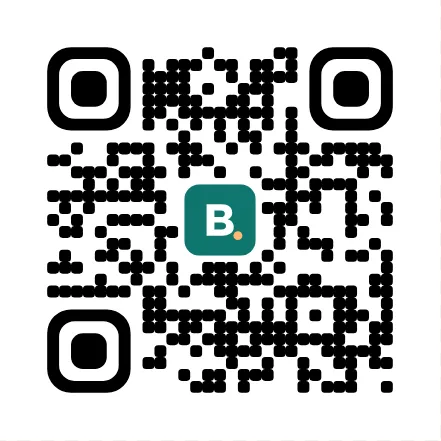
How much denser the code gets
The cost of level H is more squares for the same content. Counted with this generator:
| Content | Squares across, no logo | With logo | Logo area |
|---|---|---|---|
Short link, https://benchmo.com |
25 | 29 | 7 × 7 |
| Wi-Fi network and password | 29 | 37 | 9 × 9 |
| Google review link | 37 | 49 | 11 × 11 |
| Contact with name and phone | 41 | 57 | 13 × 13 |
The logo area includes a thin margin, so the logo itself never touches the squares around it. For a code that will be printed small, we would put a logo only on a short link. Printed 3 cm wide, the 29-square link code (plus its margin) has squares of about 0.8 mm; the 57-square contact code at the same width, under 0.5 mm. Give that one more room.
Getting the logo file right
PNG, JPG, WebP and SVG are accepted. Photos and other raster logos are scaled to 256 pixels on the long side before they go into the code, which is plenty for the 1024 px PNG but turns soft if you print the SVG as a large sign. An SVG logo stays as it is and is sharp at any size.
With a background color, the logo sits on a small box of that color. Tick “Transparent background” and there is no box: the logo and the code sit directly on whatever is behind them, so that surface needs to be light and plain.
The three large corner squares are never covered; scanners use them to find the code. This page starts on the Rounded style; Square and Dots are one tap away. The design options and the PNG and SVG downloads are the same as on the main QR code generator.